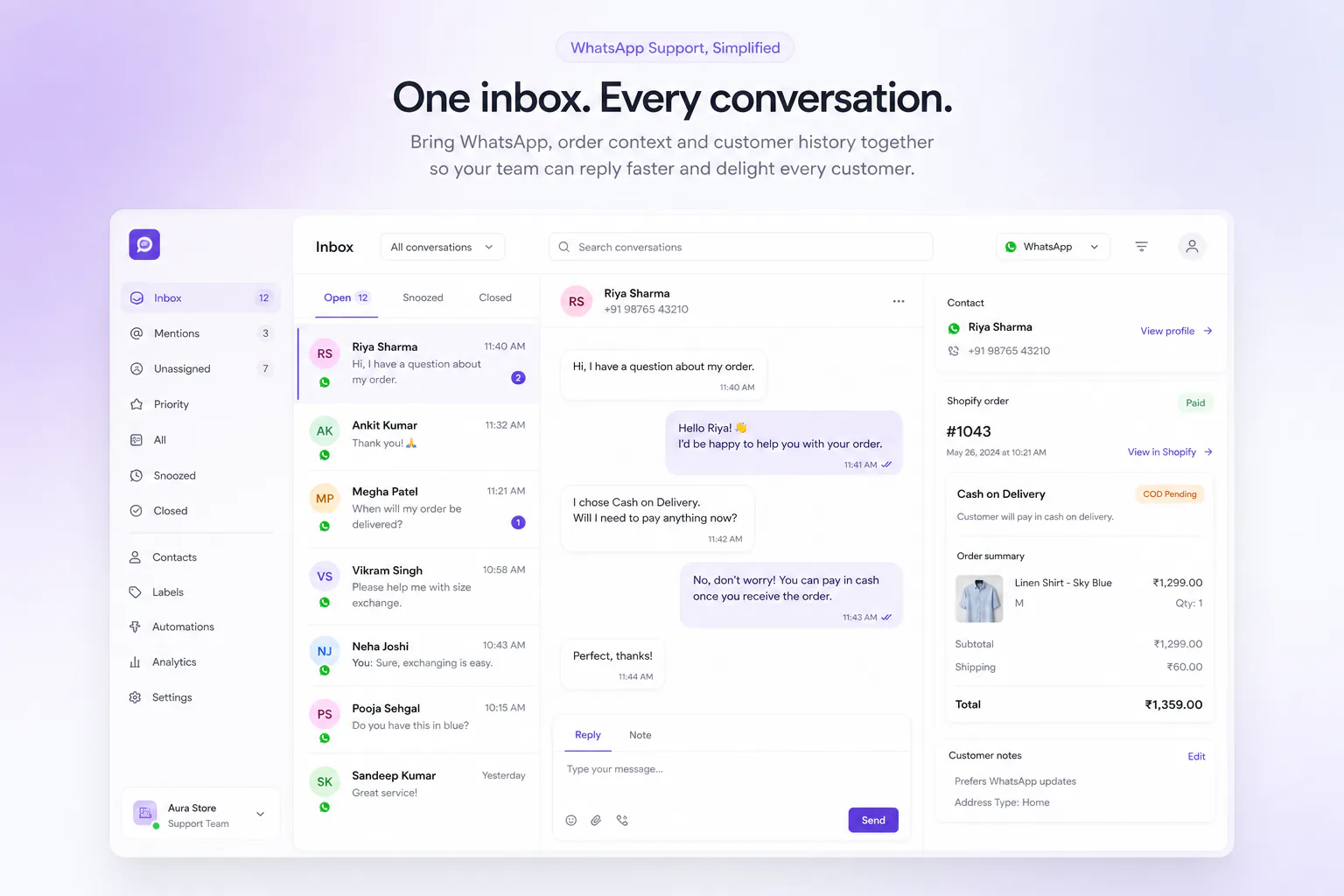
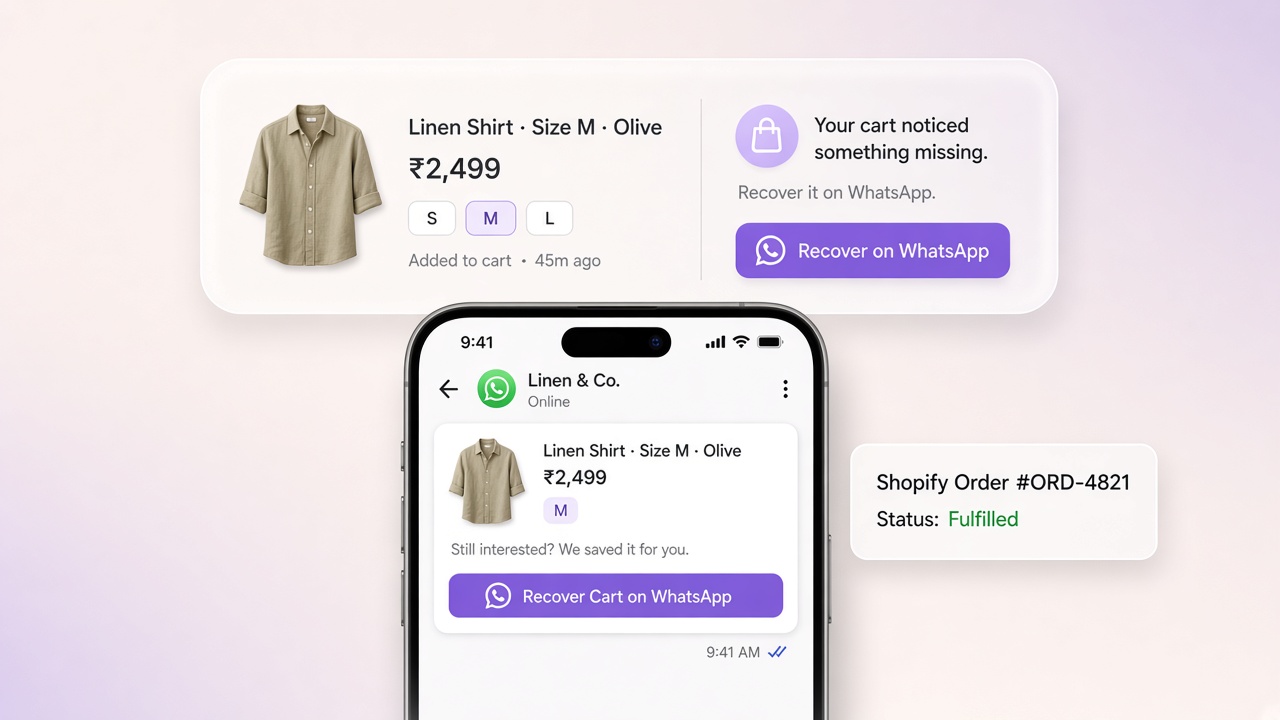
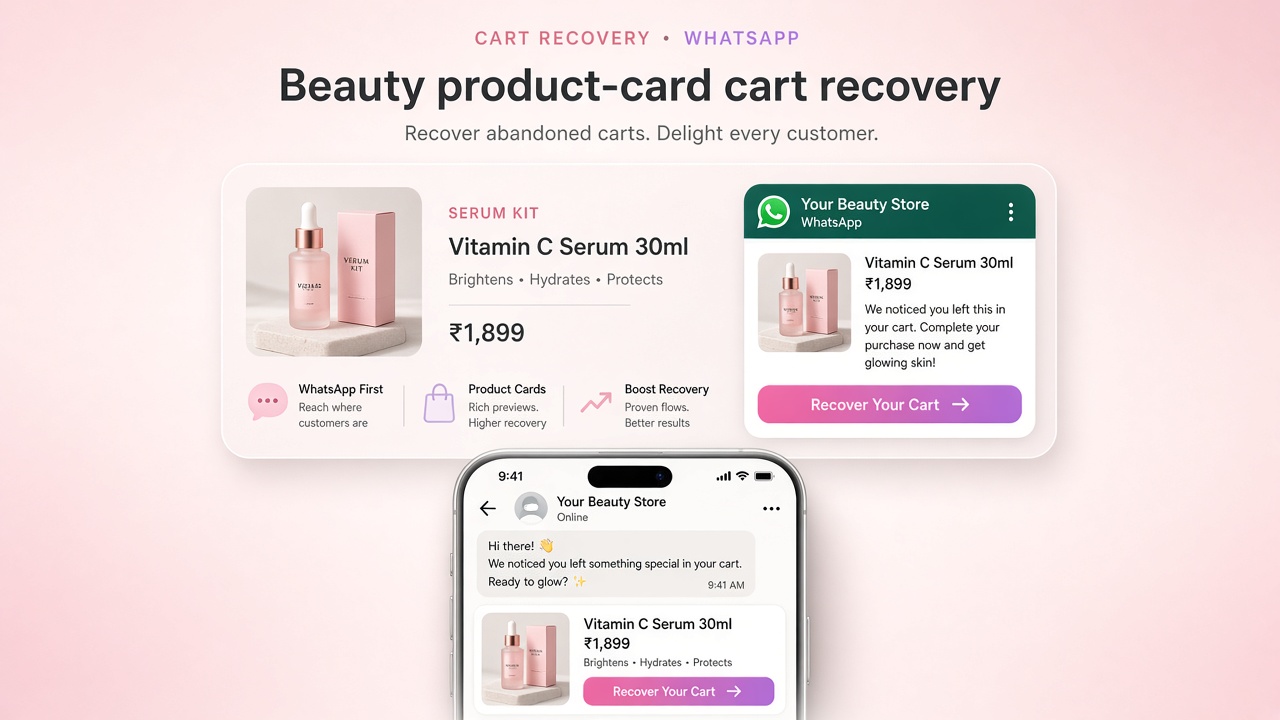
What Is Ecommerce Automation on Shopify WhatsApp?
Plain definition of ecommerce automation on Shopify WhatsApp: carts, COD, order updates, campaigns, inbox, and what to automate first in India.
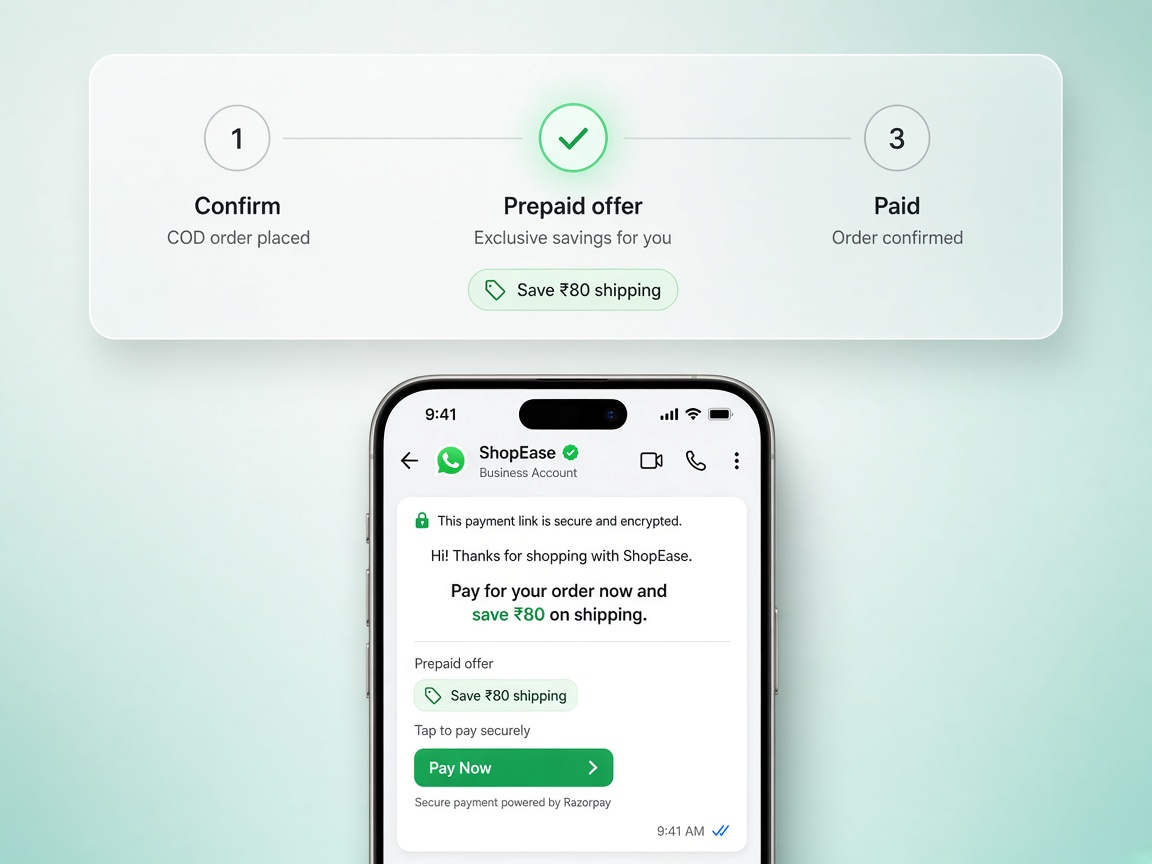
Ecommerce automation on Shopify WhatsApp means connecting store events (abandoned carts, orders, COD status, shipments) to Meta-approved WhatsApp messages and a team inbox, so growth and support run without copy-pasting from Shopify admin. The complete operator guide is WhatsApp automation for Shopify.
Core automations (the operating system)
- Abandoned cart recovery
- COD confirmation before ship
- Order and shipping updates
- Campaigns / drops (after template hygiene)
- AI answers grounded in catalog truth + human handoff; see AI chatbot for Shopify
These map to Journeys, Live Chat, AI Brain, and Meta Manager.
What it is not
It is not blasting unverified marketing templates, running a chatbot that invents prices, or treating WhatsApp Web as your CRM. Meta quality ratings and Shopify accuracy matter. If the phone number is busy on a laptop, you do not have automation. You have a bottleneck.
Automation should make the next correct message inevitable from store state, not from an intern’s memory.
How the pieces connect
- Shopify emits cart and order events
- Template layer sends only APPROVED Cloud API content
- Journey / flow logic branches on payment method and fulfillment
- Inbox catches replies with order context
- Analytics attributes recovered ₹ and RTO change
See the wiring on Shopify WhatsApp integration and integrations.
What to automate first in India
Cart recovery → COD confirmation → shipping updates → campaigns. That order protects revenue and margin before you scale broadcasts. Full rationale in what to automate first, with a setup list in the automation checklist.
Who owns it inside the brand
- Growth: cart and campaign journeys
- CX: inbox SLAs and macros
- Ops: COD hold rules with warehouse
- Finance: Meta rate forecasting and recovery ₹
Once the concept is clear, the operational version is how to automate your ecommerce store in India: what to automate in what order, the tool stack by layer, and the mistakes that make people abandon automation after one attempt.
Compare approaches on compare, check pricing, or contact us. For channel strategy, read WhatsApp vs email for D2C India.
Common questions
What is ecommerce automation on Shopify WhatsApp?
It is a set of systems that react to Shopify events without anyone pressing a button: an order is placed and the customer gets a confirmation, a cart is abandoned and a reminder goes out, a COD order is confirmed before dispatch, a shipment moves and the customer is told. Shopify supplies the events, WhatsApp delivers the message.
What is ecommerce automation not?
It is not bulk messaging, and it is not a replacement for your support team. Blasting a purchased list is the fastest way to damage your WhatsApp quality rating. And automation should handle everything that does not need judgment, so humans can handle complaints, exceptions and anything involving money.
What should an Indian store automate first?
Order confirmations and shipping updates, then COD confirmation, then cart recovery. The first two need no marketing consent because they are transactional, and COD confirmation pays for itself immediately by removing failed deliveries — which in India is usually the single largest avoidable cost.
Who should own automation inside a D2C brand?
Whoever owns the customer experience, not whoever is most technical. The decisions that matter are editorial and commercial: what the message says, when it goes out, who it excludes, and when a human takes over. The configuration itself is the easy part.