Shopify WhatsApp: What to Automate First
Prioritize Shopify WhatsApp automation that pays: abandoned cart, COD confirmation, order updates, then campaigns: a rollout order for Indian D2C ecommerce.
Shopify WhatsApp automation is not “send more broadcasts.” It is wiring store events (carts, orders, COD flags, fulfillments) to Meta-approved WhatsApp messages and a shared inbox your team can trust. Brands that automate in the wrong order burn template quality and support capacity before revenue shows up. For the full operating-system view, read WhatsApp automation for Shopify.
Automate in this order (and why)
- Abandoned cart recovery: Fastest path to attributable ₹ for most catalogs. See the cart recovery playbook.
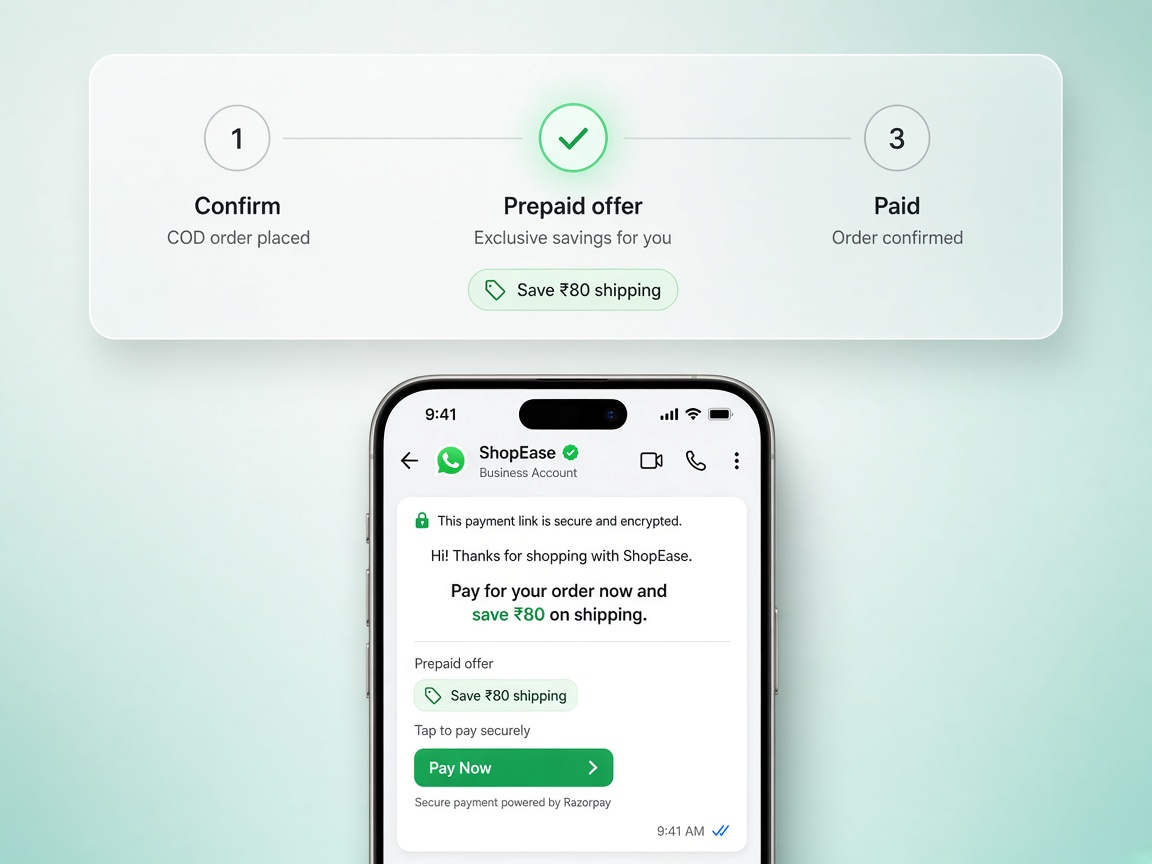
- COD confirmation: Protects margin before you scale Meta ads. Phantom COD orders destroy contribution margin faster than weak creative.
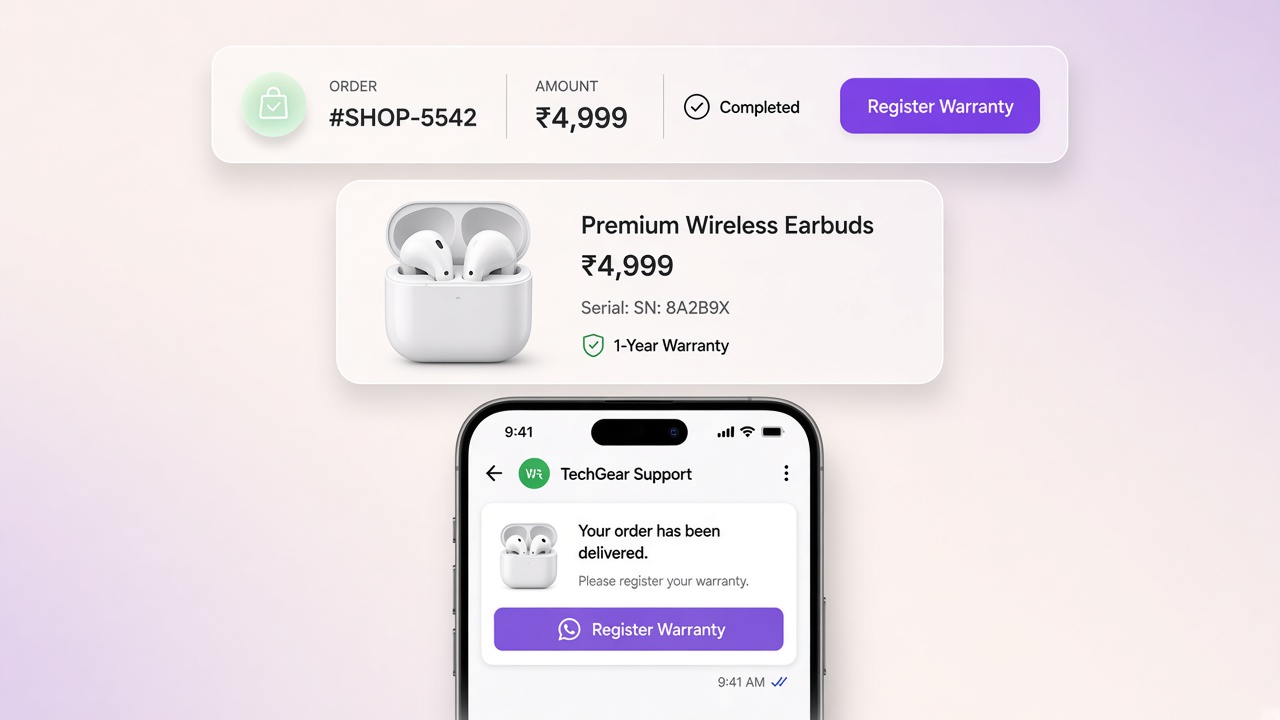
- Order and shipping updates: Kills WISMO tickets so agents handle exceptions, not “where is my order?”
- Post-purchase nurture / replenishment: Only after transactional paths are stable.
- Campaigns and drops: Last. Marketing templates need clean audiences, opt-in hygiene, and a quality rating you have already earned.
Connect Shopify before you write a single template
Copy without live data becomes another generic chatbot. OAuth sync should expose carts, orders, payment method, and catalog truth so every automation stays accurate. Start from the Shopify WhatsApp integration overview, then map events into Journeys and branching in Flow Builder.
- Phone numbers normalized for Cloud API
- SKU and price pulled at send time, not hard-coded in templates
- COD vs prepaid as journey conditions, not one tone for everyone
Template and inbox foundations (week zero)
Before you celebrate automation volume, finish two boring jobs:
- Submit and wait for APPROVED utility templates for cart, COD, and shipping. Manage them in Meta Manager.
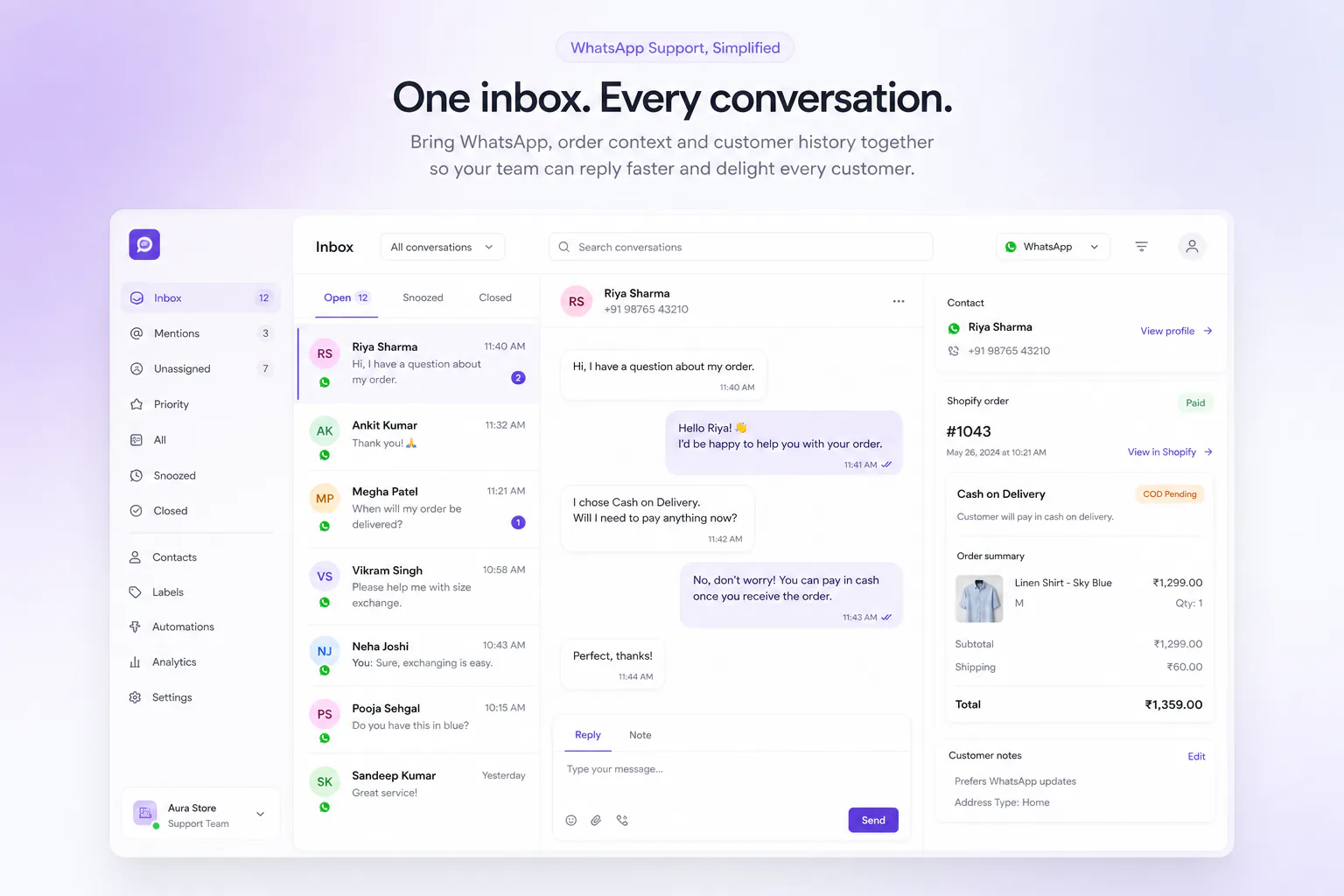
- Put the team on a shared inbox with order context via Live Chat. Automation that cannot escalate cleanly will create angry buyers.
If humans cannot see the order next to the thread, your “automation stack” is still a screenshot workflow.
What not to automate first
- Heavy discount blasts to cold lists
- AI that invents prices or stock
- Complex multi-branch flows before a simple 3-step cart sequence works
- Instagram campaigns before WhatsApp transactional paths are stable
A 30-day operator plan
Days 1–7: Connect Shopify + Meta, submit core templates, publish cart recovery gated on approval.
Days 8–14: Ship COD confirmation; measure confirmation rate and RTO trend.
Days 15–21: Add shipping updates; watch WISMO ticket volume drop.
Days 22–30: Tune timing and offers; only then test one marketing campaign to engaged buyers.
If you are deciding what to sell before you decide what to automate, the top five product categories for 2026 covers realistic margins, repeat-purchase behaviour and saturation by category.
Need the 15-minute setup list? Use the Shopify automation checklist. Compare tools on compare, or talk to us via contact. Pricing is on /pricing.
Common questions
What should I automate first on Shopify WhatsApp?
Start with abandoned cart recovery, then COD confirmation, then order/shipping updates. Campaigns and heavy AI come after transactional paths are stable and Meta templates are APPROVED.
Why not start with marketing campaigns?
Marketing templates need clean opt-in and a quality rating you have already earned. Cart and COD journeys prove Shopify sync, template gating, and inbox handoff before you scale broadcasts.
What do I need before publishing the first journey?
Shopify OAuth with carts/orders/catalog, WhatsApp Cloud API connected, and APPROVED utility templates for cart, COD, and shipping. Draft or PENDING templates should never send to customers.
How long until automation shows revenue?
Most stores can connect Shopify and Meta in a day; Meta template review is the usual wait. A gated cart sequence plus COD confirmation is a realistic first 14-day goal once templates clear.