

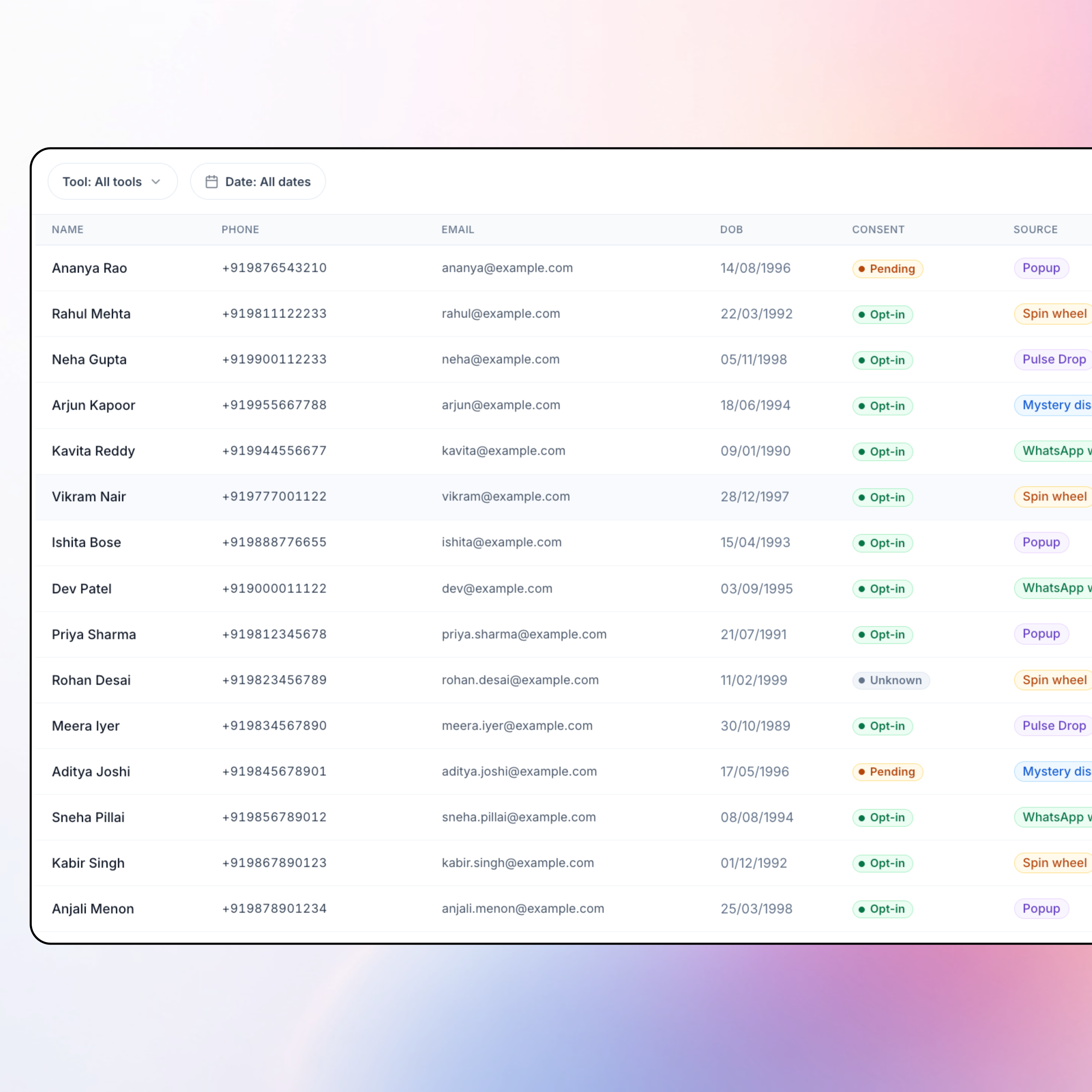
Subscriber list
Name, phone, email, DOB, marketing consent, source tool, and timestamp, filter and open Customer 360 from one WhatsApp-ready list.
Capture consented WhatsApp numbers on your storefront.
Then run campaigns and journeys from one list.
Trusted by




One consented WhatsApp audience, design who sees what, then capture with the storefront widget.
Name, phone, email, DOB, marketing consent, source tool, and timestamp, filter and open Customer 360 from one WhatsApp-ready list.
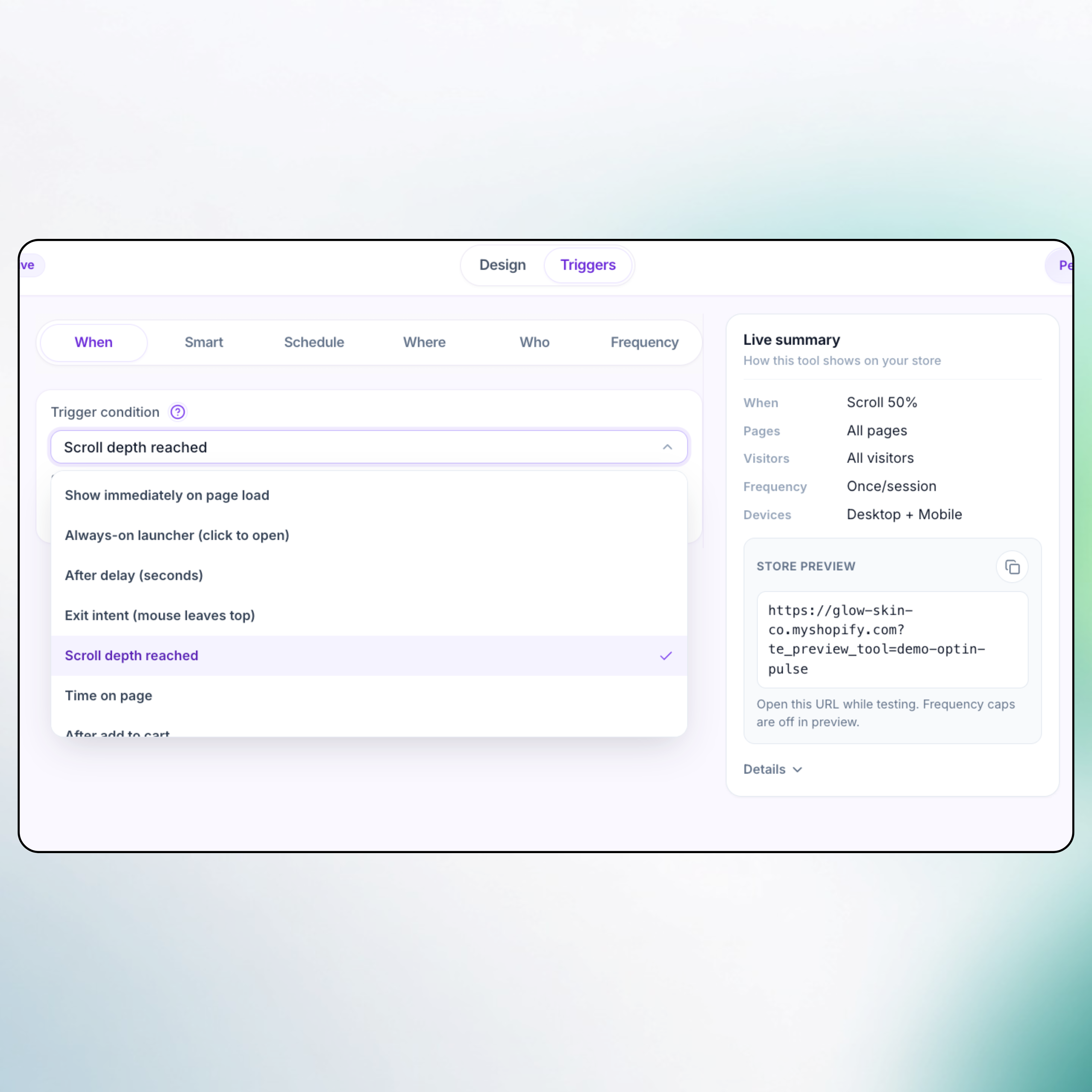
When (delay, exit intent, scroll %, ATC), where (home, PDP, cart), who (new / returning / not subscribed), frequency, and Kolkata schedule.
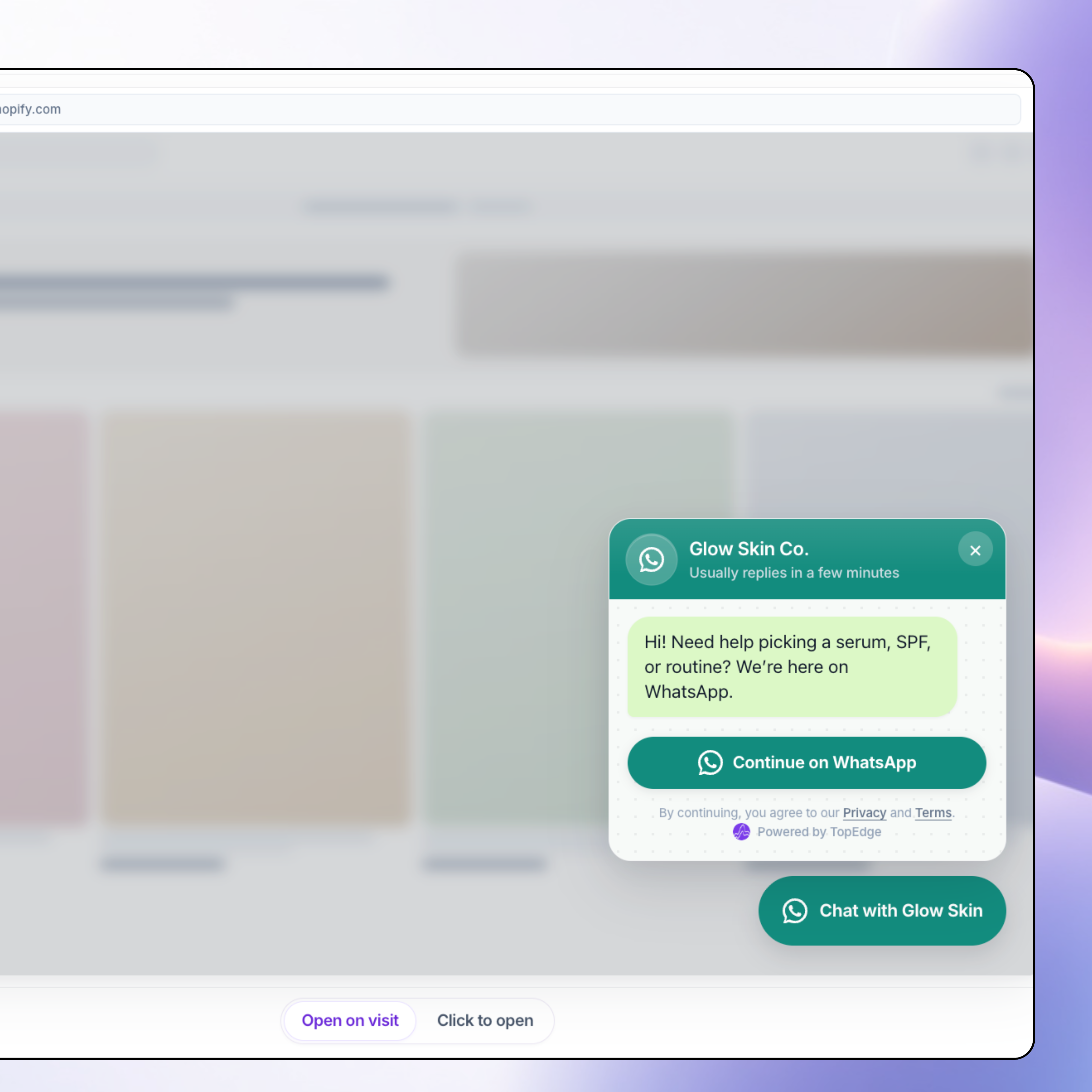
Floating chat launcher with optional phone capture → wa.me handoff. Only one live widget per Shopify store.
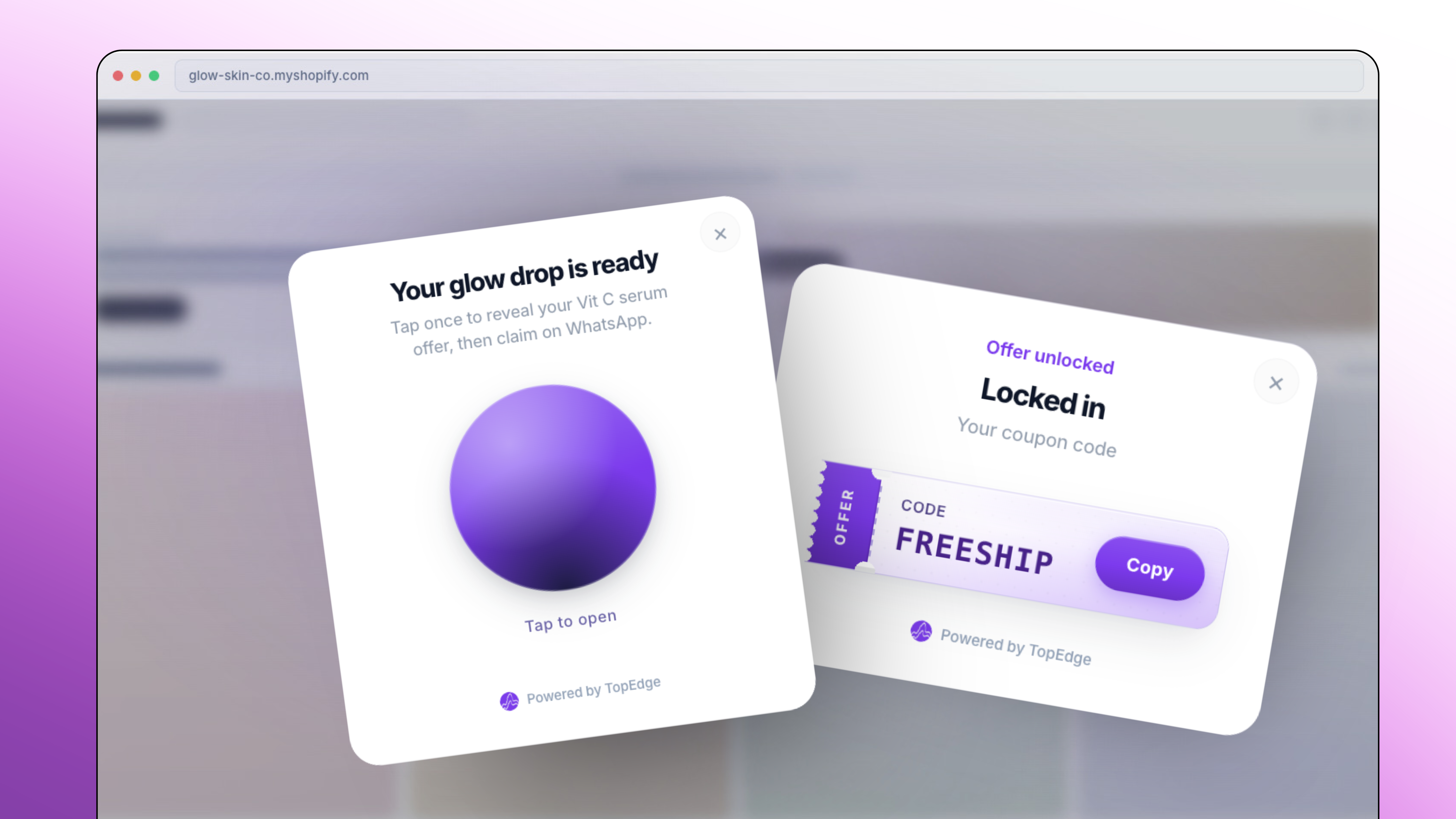
VIP drop, pulsing orb reveal, always-win prize feel, soft sounds, and a coupon claim that opens WhatsApp. Every claim lands on the subscriber list with source = Pulse Drop.
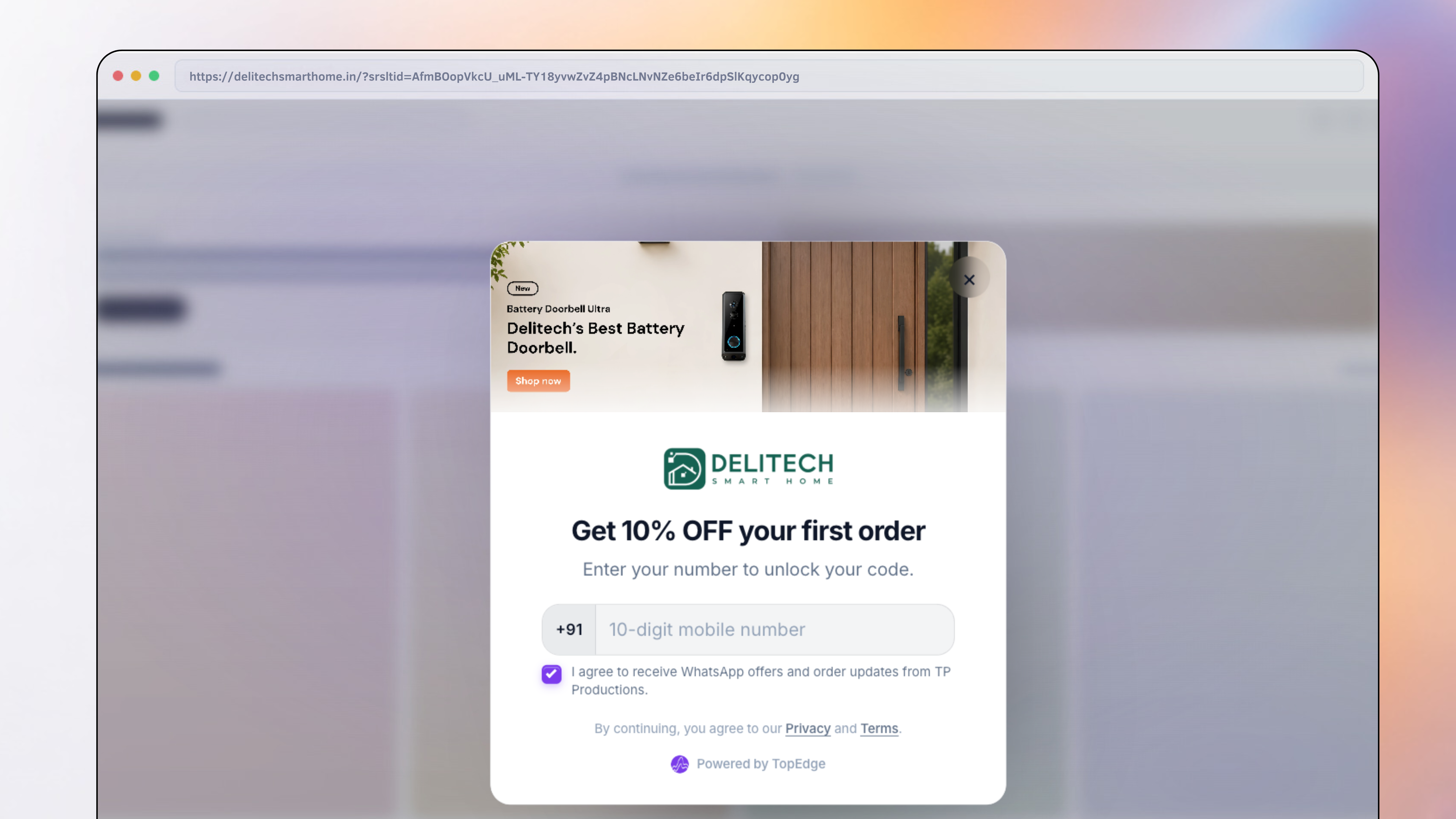
Discount + phone capture. Standard, image-side, or image-background layouts, brand colors and live preview. Consented numbers join the same Audience list as your other tools.
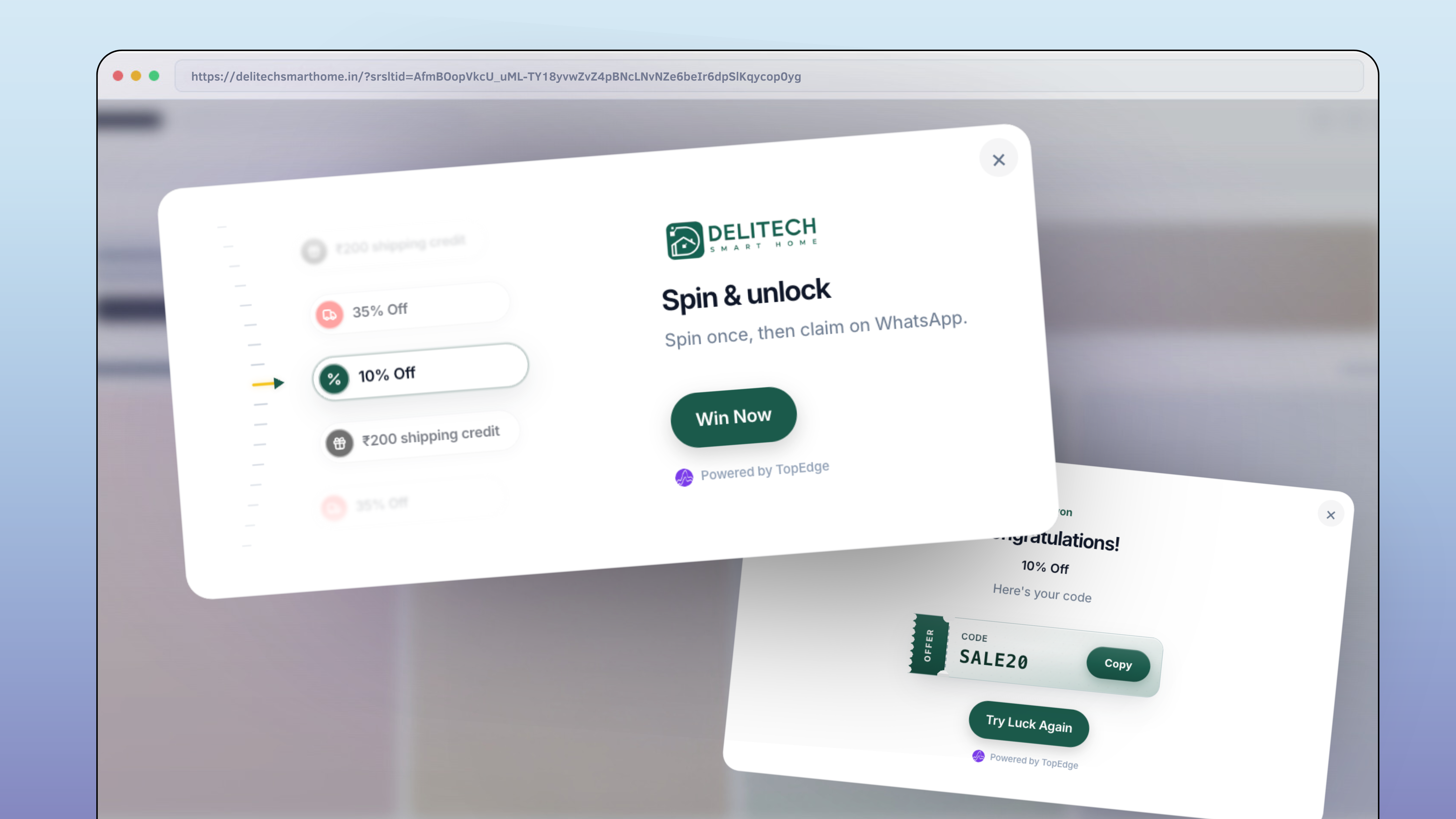
Gamified prizes with weighted slices, unique Shopify codes, fixed codes, or lose. Spins and wins still write marketing consent into your opt-in audience.
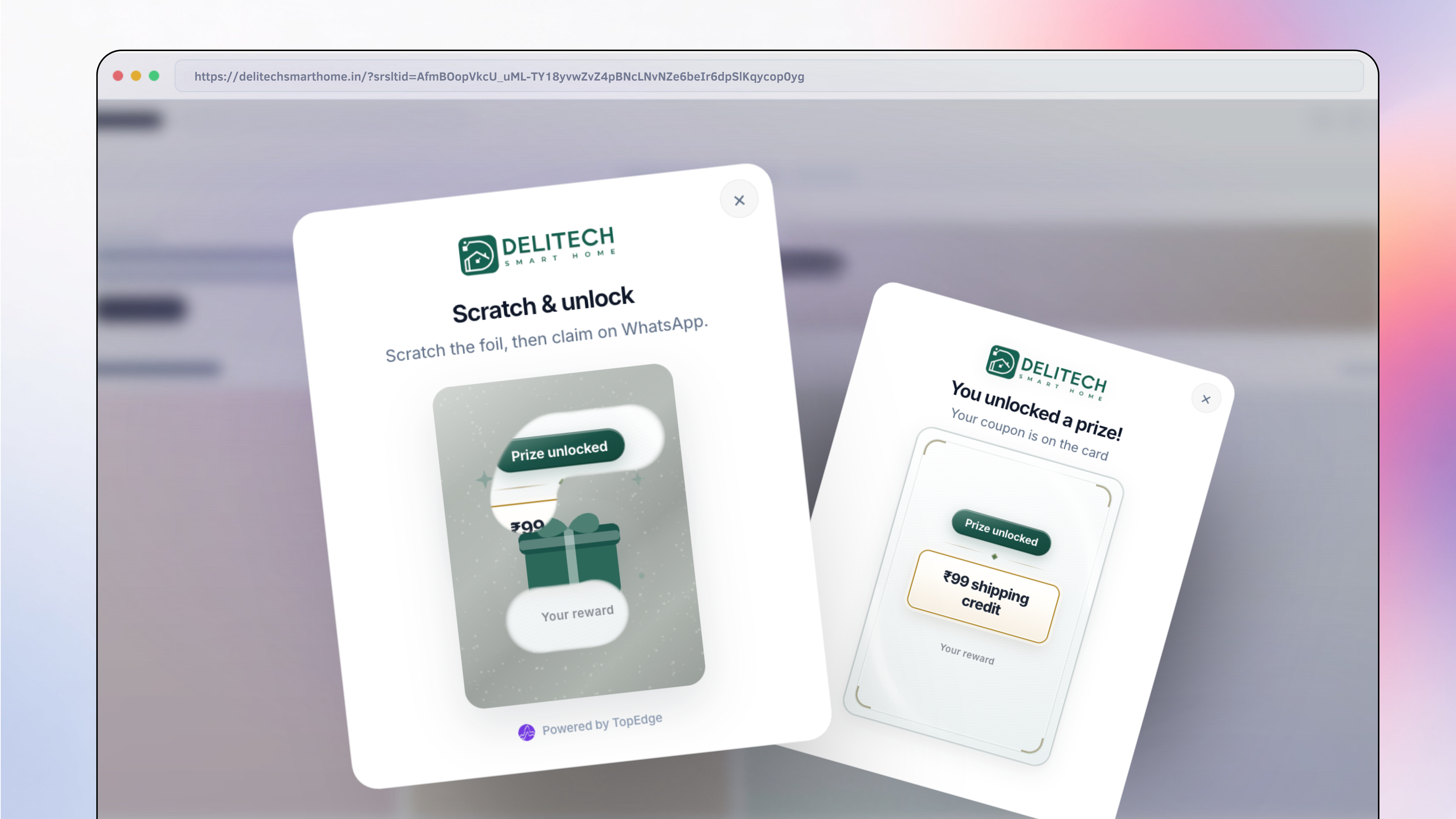
Scratch card or tap-and-hold reveal, surprise offer that still captures phone and marketing consent for Audience segments and campaigns.
Pulse Drop, Popup, Spin, Mystery, or WhatsApp widget. Start from an India D2C template if you want speed.
Brand, offers, lead fields, when/where/who, frequency, and schedule. Preview desktop and mobile.
Theme install injects the script. Live toggle hides instantly; preview with ?te_preview_tool=.
Read views, signups, and redemptions, then send Meta-approved campaigns or journeys from consented subscribers.
Into a WhatsApp-ready subscriber list with name, phone, consent, source tool, and timestamp—filterable and openable in Customer 360 / Audience CRM.
Yes. Use the consented list as the audience for campaigns and journey eligibility so Meta marketing sends stay tied to real opt-in.
Five opt-in tools, one consented list, Meta-safe campaigns that attribute ₹.