How to Choose a WhatsApp App on Shopify App Store
Pre-install checklist: Meta markup, COD depth, conversation metering vs flat pricing, free-to-install vs gated features, and reviews that matter.
How do you choose a WhatsApp app from the Shopify App Store? Check Meta markup, COD depth, conversation metering vs flat fees, what “free to install” still gates, and whether a live cart appears in WhatsApp, then open a compare board, not another roundup.
Quick answer
Before installing, verify (1) Meta markup transparency, (2) COD confirm vs COD → prepaid depth, (3) conversation metering vs flat platform pricing, (4) what stays gated after “free to install,” and (5) whether a live Shopify cart appears in a WhatsApp preview. Then open a compare board, not another roundup.
How do you check Meta markup beyond “official API”?
Almost everyone claims official WhatsApp / Cloud API. Ask: do you pay Meta’s rate card only, or Meta plus a platform per-conversation markup? Pass-through vendors make finance modeling possible. Markup vendors can still be fine, just model peak weeks. See our explainer on WhatsApp Business API pricing in India.
Does the app handle COD confirm vs COD → prepaid?
Listing text that says “COD verification” may mean a yes/no text. Indian D2C often needs branches warehouse will honor, and sometimes COD → prepaid. Ask for a screen recording on a COD order, not a marketing slide.
Is pricing conversation-metered or flat?
Two honest models:
- Metered conversations / credits: scales with chatter (festival risk)
- Flat platform fee by orders or seats: scales with store size; Meta still separate
Neither is morally better. The wrong one for your traffic shape is expensive.
What stays gated after “free to install”?
Shopify’s “Free to install” only means the listing install path. Paid subscriptions, Meta fees, AI add-ons, and flow packs still apply. Price the tier that unlocks your workflows.
Which Shopify reviews actually matter?
Star averages lag reality. Skim the newest reviews for billing surprises, support TAT, and “worked on sale week.” Ignore roundups published on a vendor’s own blog that crown themselves #1.
What must a WhatsApp app demo show live?
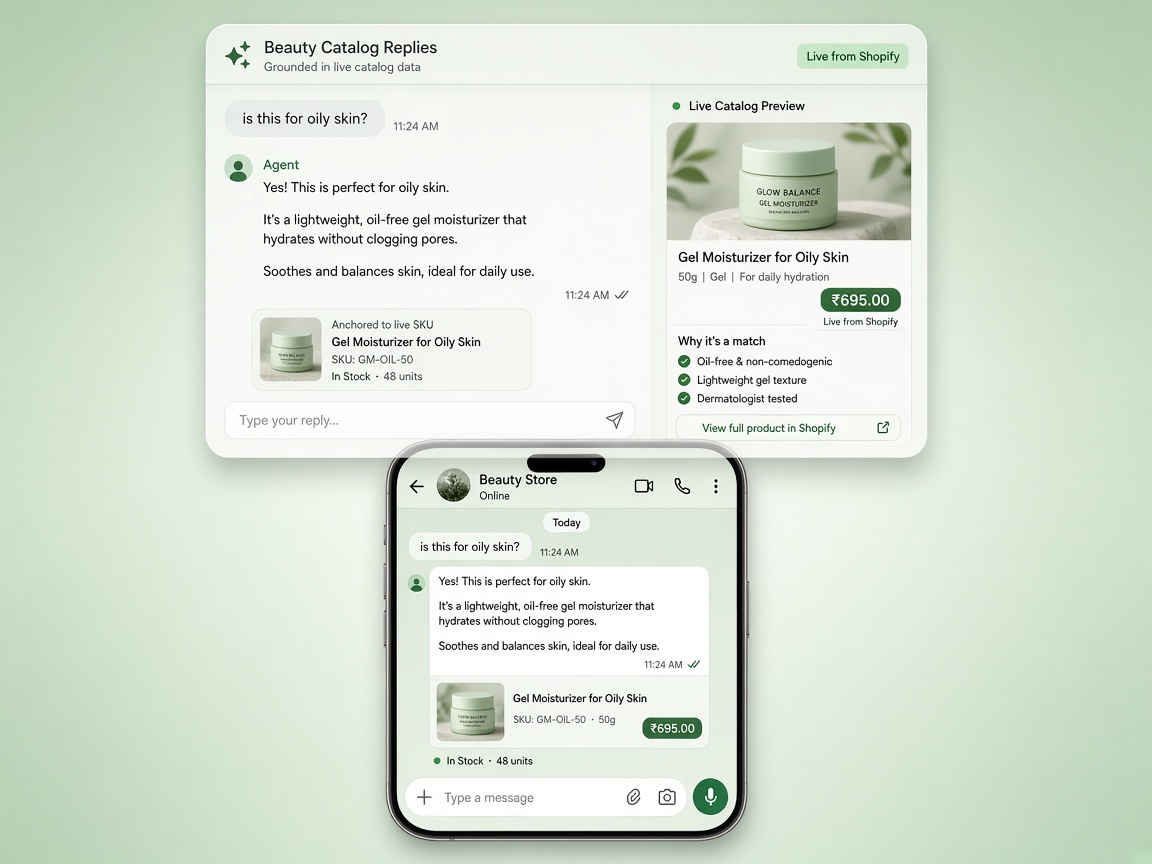
- Live abandoned cart with line items + checkout link
- Template stuck in PENDING cannot send
- Agent takeover pauses the bot
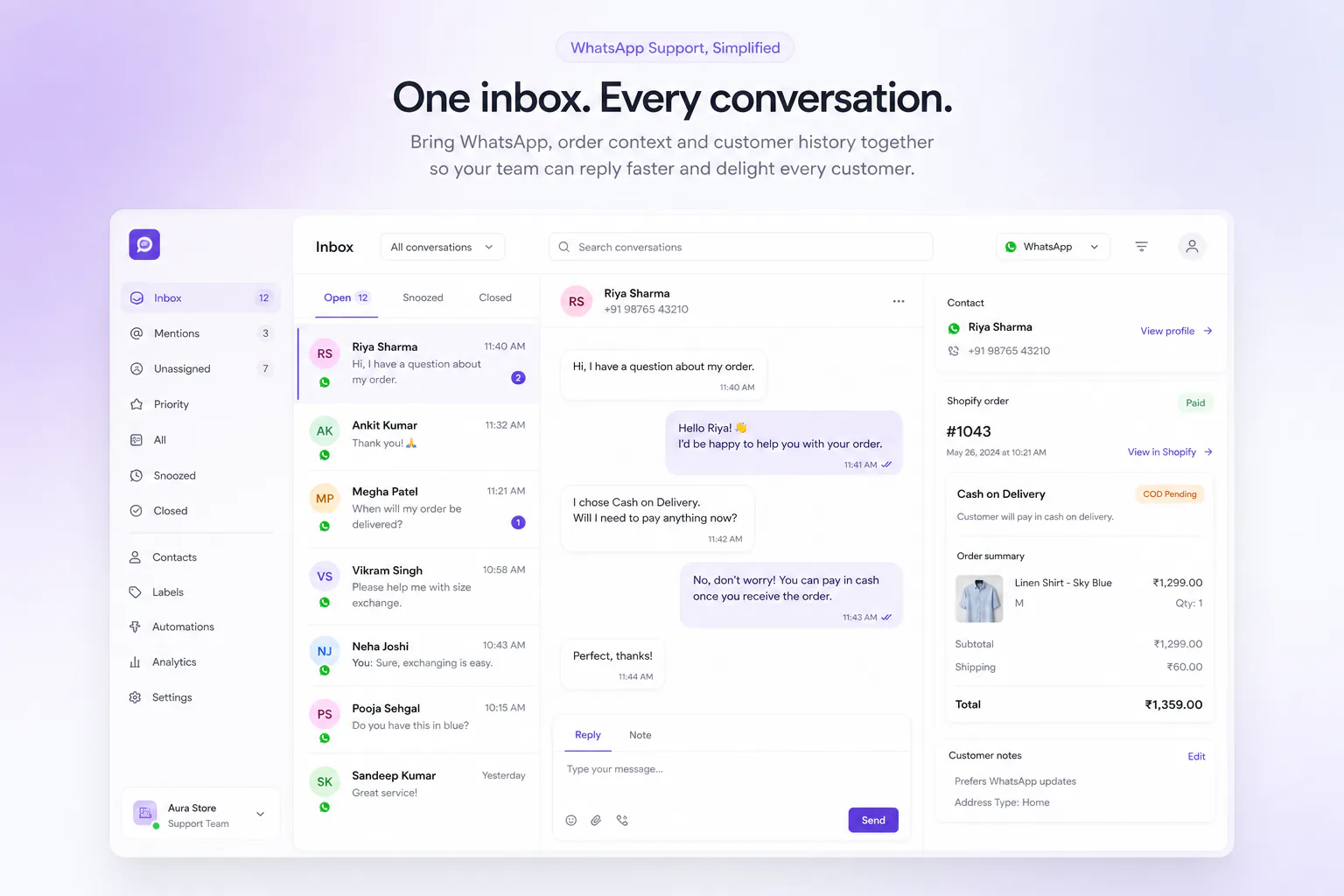
- Order number visible in the inbox thread
Where should you go next without another generic list?
Use the fair index at /compare/alternatives, then open only the pairwise boards you care about (WATI, AiSensy, Interakt, Bitespeed, Zoko, Getgabs, Kanal, Dondy). For a pillar overview: best WhatsApp automation tools for Shopify India. Markup deep-dive: Dondy alternative.
App Store prices, review counts, and plan names change. Re-check the vendor listing and pricing page the day you install.
Build on Journeys when you are ready, or contact for a walkthrough.
Also compare: WATI alternative, AiSensy alternative, Interakt alternative and Bitespeed alternative.
Common questions
How do I check whether a Shopify WhatsApp app marks up Meta’s fees?
Ask directly what markup is applied to Meta’s per-conversation rates, and compare the answer against Meta’s published rates for India. “Official API” only means the provider is a Meta Business Solution Provider; it says nothing about whether conversation charges are passed through at cost.
Is conversation-metered or flat pricing better?
Flat pricing is easier to budget and better if your volume is steady and high. Metered pricing is cheaper while you are small but gets unpredictable during a sale. Model both against your own worst month, not your average one.
What usually stays locked after “free to install”?
Typically the automations that make the money: multi-step journeys, branching, COD to prepaid conversion, extra agent seats and revenue attribution. Install cost tells you very little — check which of your intended workflows are available on the tier you would actually pay for.
Which Shopify app reviews are worth reading?
Recent ones from stores that look like yours in order volume and market, and specifically the one- and two-star reviews. Those name the operational failures — template rejections, support latency, broken order sync — that five-star reviews never mention.