How to Reduce RTO on Shopify COD Orders
How to reduce RTO on Indian Shopify stores: why COD orders come back, a practical WhatsApp confirmation flow, reminder timing and what to measure.
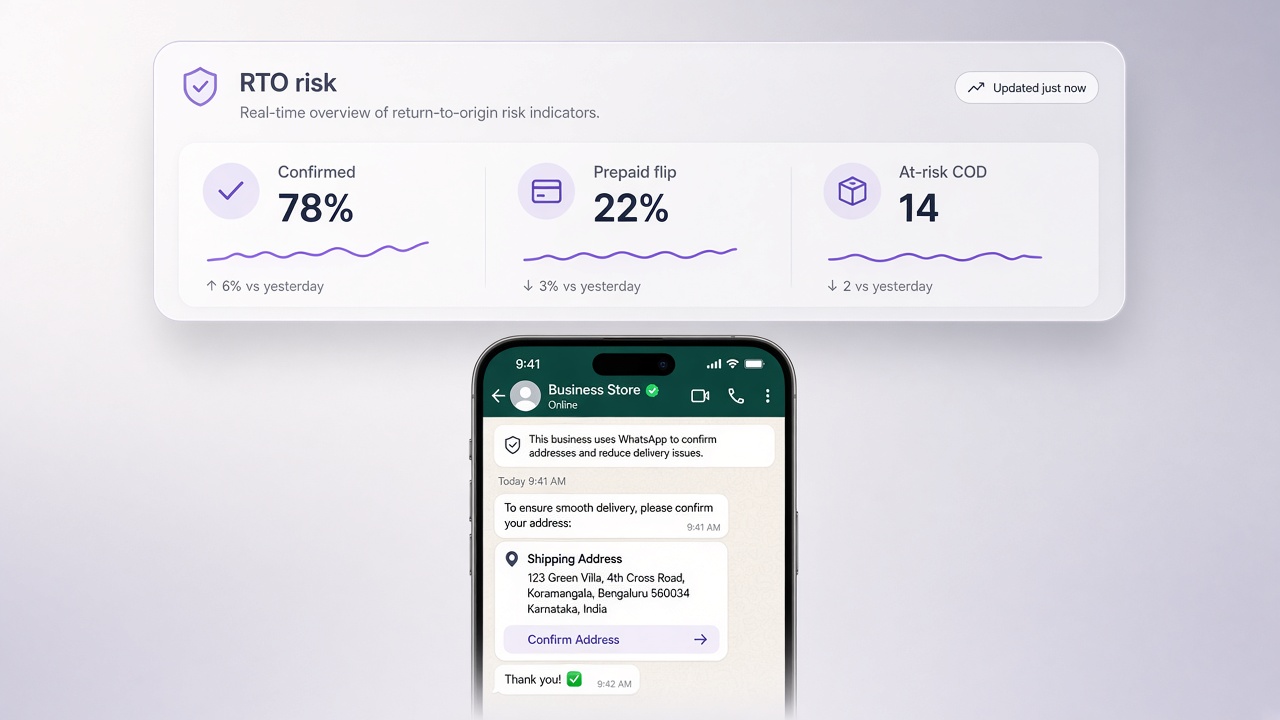
How do you reduce RTO with WhatsApp COD confirmation? Confirm buyer intent on WhatsApp before you pack Cash on Delivery orders. Show order number and ₹ amount from Shopify, offer YES / reschedule / cancel, and escalate silence or confusion to Live Chat. Confirmation is cheaper than shipping twice.
Why RTO spikes on COD
COD lifts conversion at checkout and shifts risk to fulfillment. Fake orders, changed minds, unreachable numbers, and “I did not order” claims show up as return-to-origin. Ads can look profitable on ROAS while contribution margin dies in reverse logistics.
- Unverified phone numbers
- Impulse COD with no post-purchase lock-in
- Long ship times without updates
- Address errors caught only at doorstep
A practical COD confirmation flow
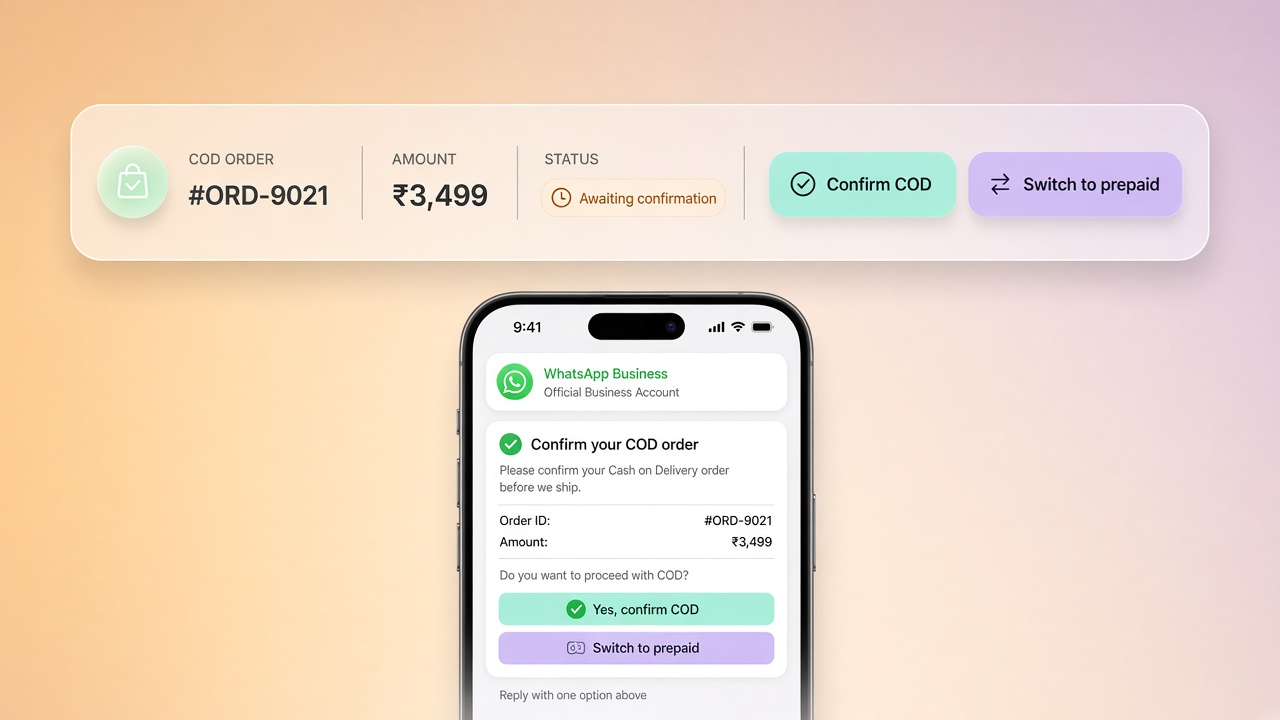
- Trigger after order creation (utility template where eligible)
- Include items, total, and delivery window from Shopify
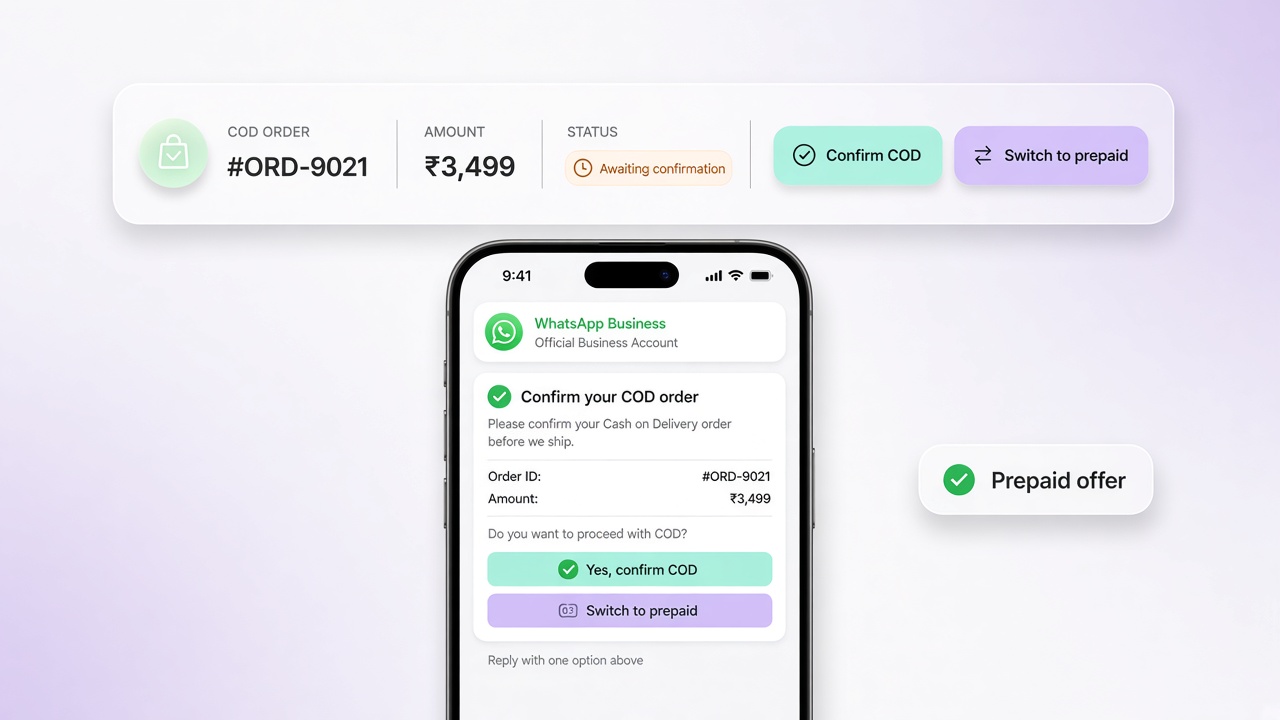
- Branch: confirmed → fulfill; reschedule → update; cancel → stop; no reply → reminder then hold/cancel policy
- Pause automation when an agent replies in Live Chat
Implement the branches in Journeys and keep templates healthy in Meta Manager.
Operator tip: Warehouse must not pick COD orders until confirmation state is green, or you will confirm after the damage is packed.
Timing and reminder strategy
Send the first confirmation within minutes of checkout while intent is warm. If no reply, one reminder in 6–12 hours (tune to your category). After that, follow a written policy shared with CX and warehouse. Inconsistent holds across shifts recreate RTO.
Measure what finance cares about
Track confirmation rate, ship rate of confirmed COD, RTO % before/after, and reverse logistics cost saved. Message opens are a leading indicator only. Pair with the shorter primer on COD confirmation for Shopify India.
Layer adjacent automations
- Address clarification prompts when courier quality is weak in a pincode
- Prepaid nudge only where margin supports it, never bait-and-switch
- Shipping updates after confirmation to reduce doorstep refusals
Start with the WhatsApp COD confirmation feature, build the rest on Journeys, wire Shopify via Shopify WhatsApp integration, and review pricing. See outcomes on customers or contact the team.
See the full 2026 India RTO benchmark data → COD & RTO in Indian D2C: the 2026 benchmark report.
Common questions
How do you reduce RTO with WhatsApp COD confirmation?
Confirm buyer intent on WhatsApp before pack/ship. Show order number and ₹ total from Shopify, offer confirm / reschedule / cancel, and escalate silence or disputes to Live Chat. Confirmed COD ships; everything else follows a written hold policy.
When should the first COD confirmation message send?
Within minutes of checkout while intent is warm, using an APPROVED utility template. If there is no reply, one reminder in roughly 6–12 hours, then apply your hold/cancel SOP consistently across shifts.
What if the warehouse packs before confirmation?
You lose the margin protection. Warehouse SOP should not pick COD orders until confirmation state is green, or you will confirm after reverse-logistics cost is already locked in.
Which metrics prove COD confirmation is working?
Confirmation rate, ship rate of confirmed COD, RTO % before/after, and reverse logistics cost saved. Message opens are a leading indicator only. Finance cares about orders that do not come back.