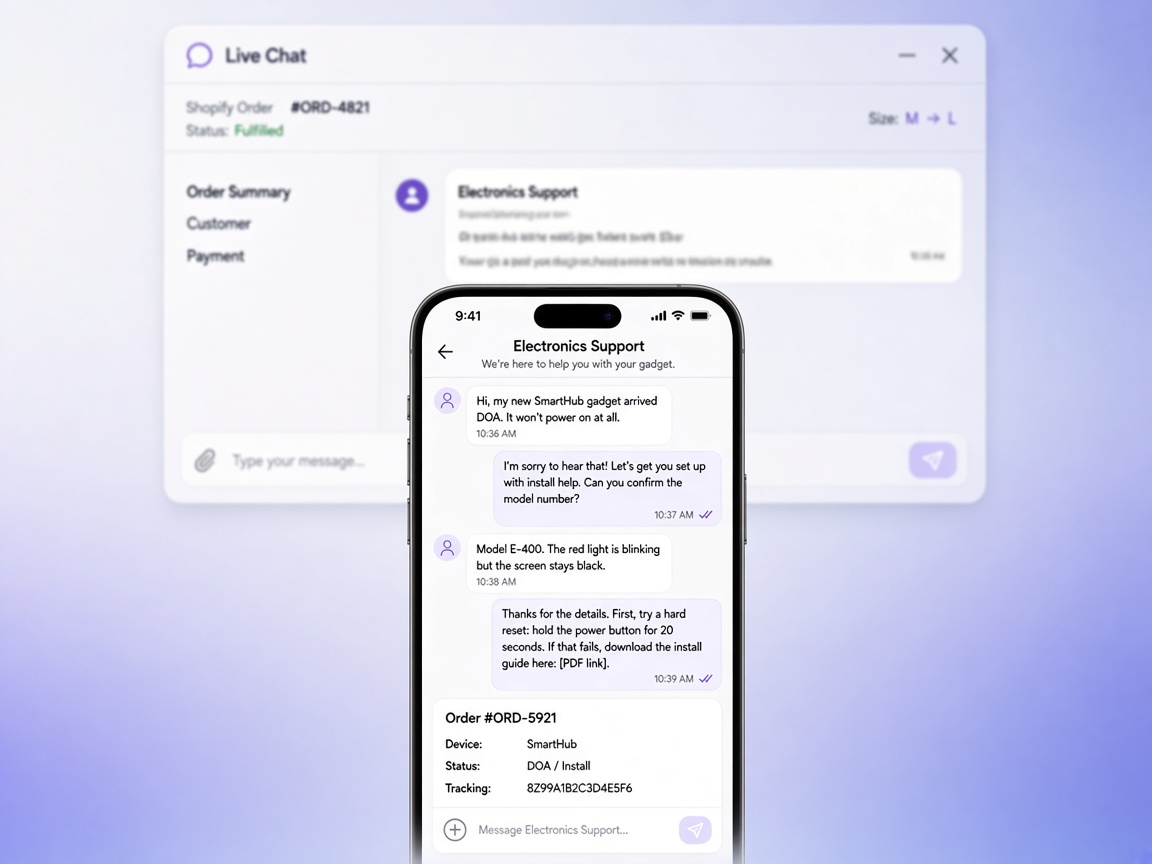
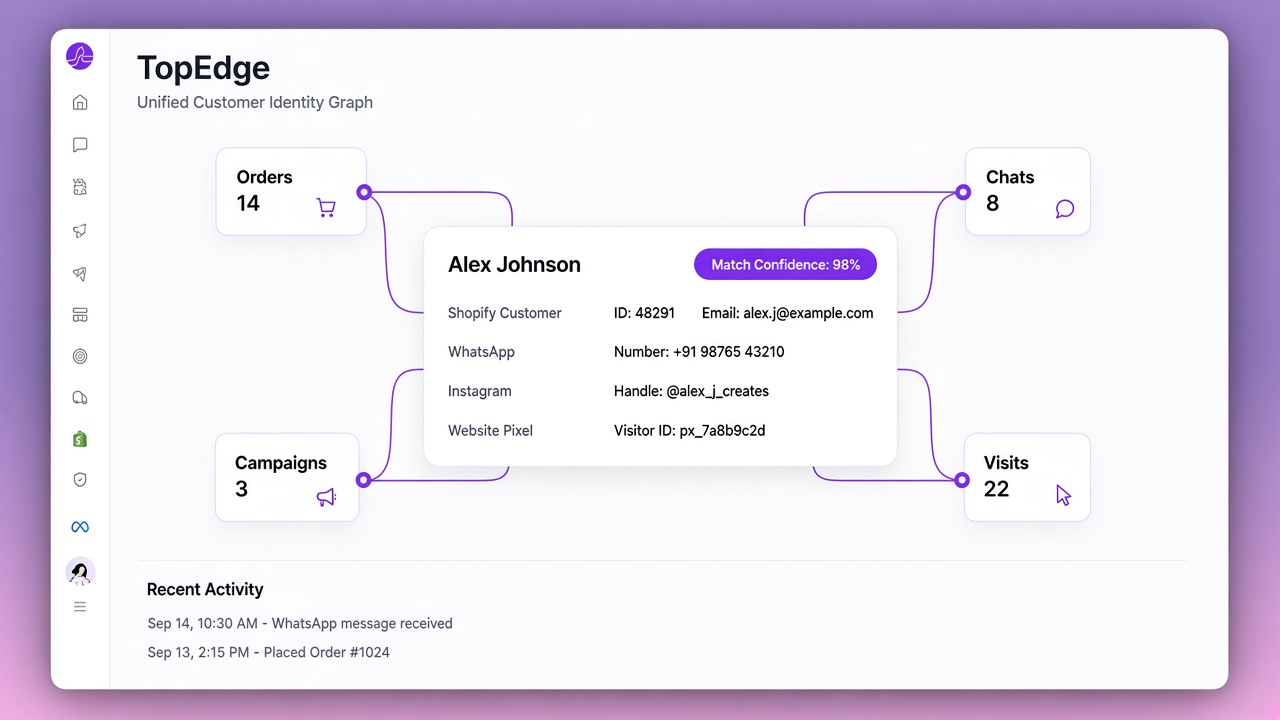
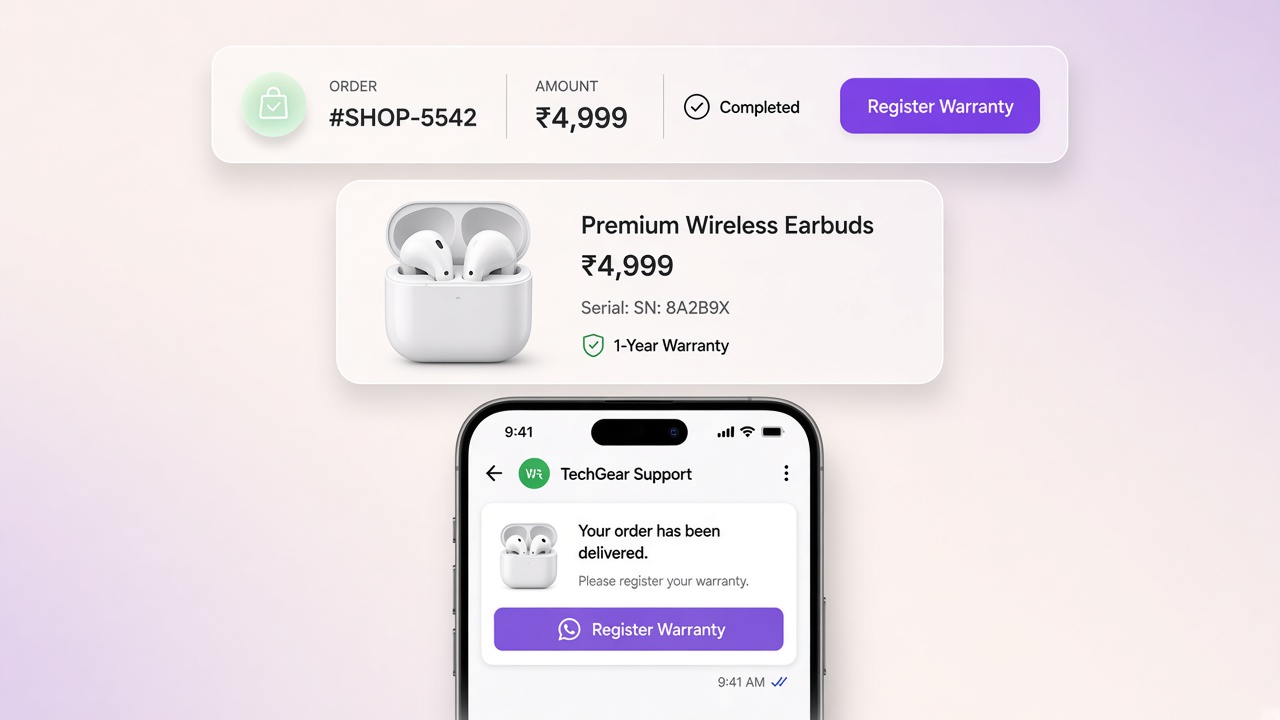
WhatsApp Shared Inbox with Shopify Orders
Why ecommerce teams need a WhatsApp shared inbox with Shopify order context: assignment, AI handoff, tags, and Instagram in one place.
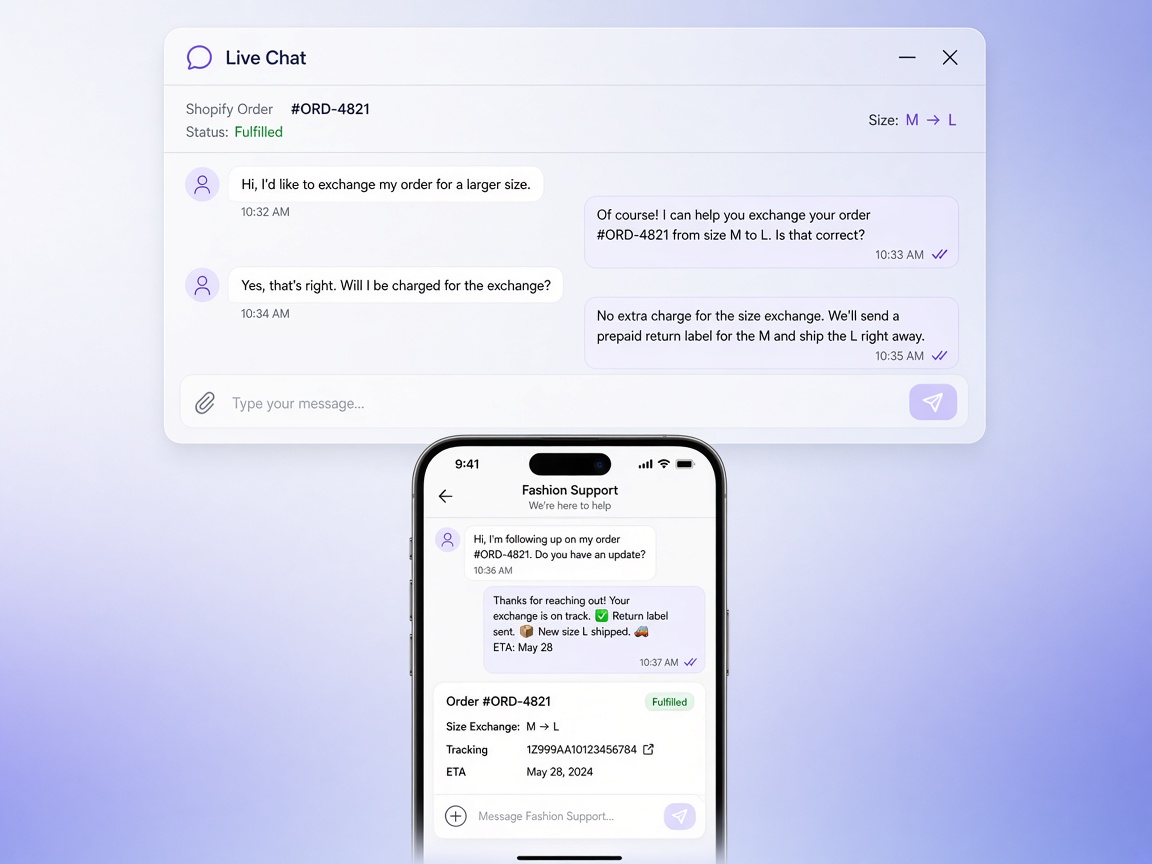
Forwarding WhatsApp Web screenshots on a group chat is not a support system. A WhatsApp shared inbox for Shopify puts order number, COD status, fulfillment state, and cart history beside every thread so agents resolve faster and automation does not fight humans.
Must-haves for ecommerce CX
- Assign, reassign, and tag conversations
- Pause AI or bots the moment an agent takes over
- Shopify order panel: items, ₹ total, payment method, tracking
- Macros for common COD, size, and shipping answers
- WhatsApp + Instagram in one queue when both channels drive D2C traffic
That is the job of Live Chat, not a personal phone with Business App.
Why order context cuts handle time
Most WISMO and COD tickets start with “order id please.” When the inbox already shows the order, agents jump to the real issue: wrong size, delayed courier, address change. That alone often pays for the tool in saved agent hours during sale weeks.
- Buyer messages “cancel COD”
- Agent sees unpaid COD order and warehouse status
- Agent cancels or holds in Shopify and replies with confirmation
- Journey automation stays paused so the buyer is not double-messaged
AI handoff without chaos
Catalog-grounded AI can deflect FAQs; it should never invent stock or argue refunds. When intent is complaint, payment risk, or emotional, hand off cleanly. Configure grounding and handoff in AI Brain, and keep branching for self-serve flows in Flow Builder.
Rule of thumb: if the wrong answer can create a chargeback or RTO, a human owns the thread.
Operating rhythms that scale
- SLA tags: <15 min during sale hours for COD/shipping
- Shift handoff notes inside the thread, not on WhatsApp Web status
- Weekly review of top contact reasons → new macros or journey fixes
- Suppress marketing to buyers in open complaint threads
Tie inbox to journeys
Cart recovery and COD confirmation create replies. Those replies must land in the same inbox with history intact. Otherwise growth and CX become two companies sharing a phone number. See how journeys feed the inbox in Journeys, and how brands run this on customers.
Explore Live Chat, compare inbox-centric tools like WATI on our compare hub, and get Shopify wiring right via Shopify WhatsApp integration. Ready to talk setup? Contact.
Common questions
What is a WhatsApp shared inbox?
One business WhatsApp number worked by a whole team, with assignment so two agents do not answer the same customer and attribution so each reply is tied to the person who sent it. It replaces a phone passed around the office or a personal number only one person can access.
Why does order context matter in a support inbox?
Because most ecommerce questions are about an order. If the agent can see the order number, COD status, lifetime value and cart history beside the thread, they answer in one message instead of asking the customer to repeat details or tab-switching into Shopify admin. That is where handle time actually drops.
How should AI and human agents share an inbox?
AI handles the repetitive majority and hands over with full context when it cannot help, so the agent does not start from scratch. The handover has to pause the bot for that thread only, and releasing it back has to be a deliberate action — a thread left taken over is the usual reason a bot appears to have stopped working.
Can several agents use one WhatsApp Business number?
Yes, on the WhatsApp Business Platform. That is the difference from the WhatsApp Business phone app, where the number is tied to a device. A shared inbox on the platform supports many agents, assignment, internal notes and reporting on one number.