COD Confirmation on WhatsApp for Shopify
Step-by-step COD confirmation on WhatsApp for Shopify India: when to send, template wording, no-reply handling, human takeover and the metrics to track.
Direct answer
COD confirmation on WhatsApp reduces RTO on Shopify India by verifying buyer intent before warehouse release. Send an APPROVED utility template with order identity and ₹ total, branch on confirm / reschedule / cancel, and hold or cancel on silence, so you do not pay reverse logistics for phantom demand.
Why does COD confirmation cut RTO?
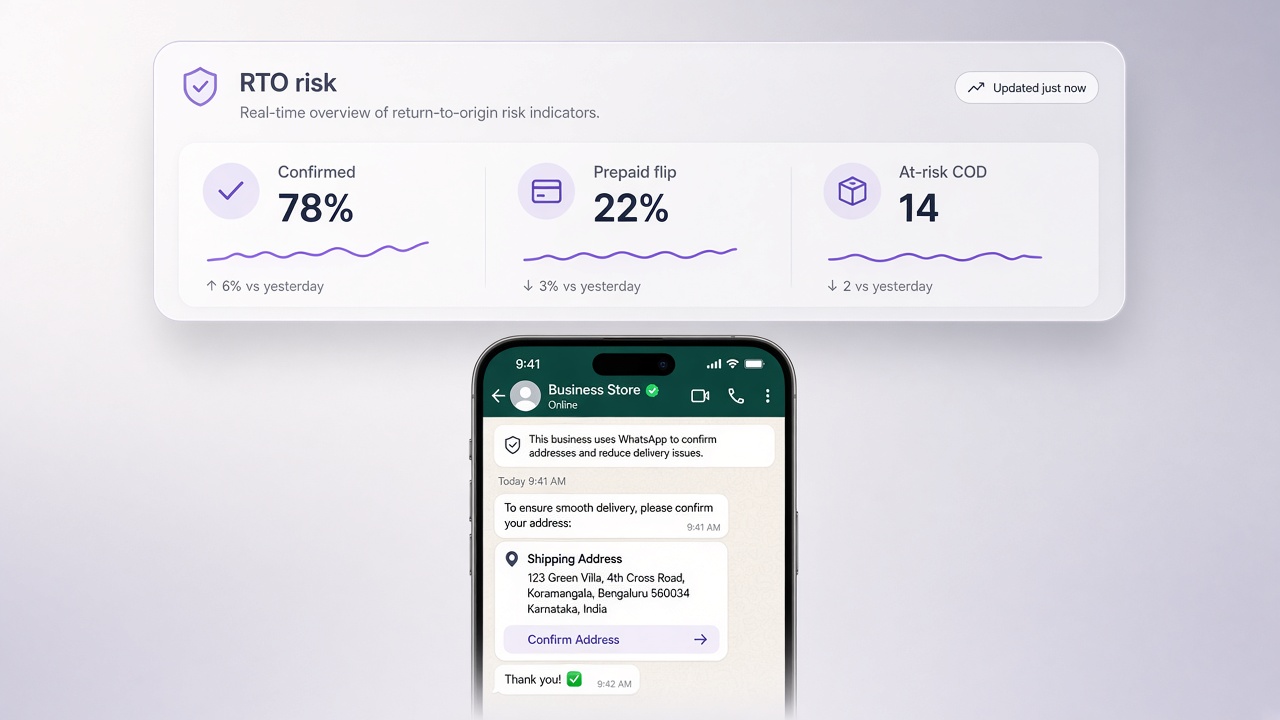
Cash on delivery wins conversion and loses margin when return-to-origin spikes. Confirming intent on WhatsApp, where Indian shoppers already reply, filters fake or hesitant orders before pick, pack, and courier cost. Pair this with Journeys so payment method = COD is a real branch, not a one-tone blast.
When should you send the confirmation?
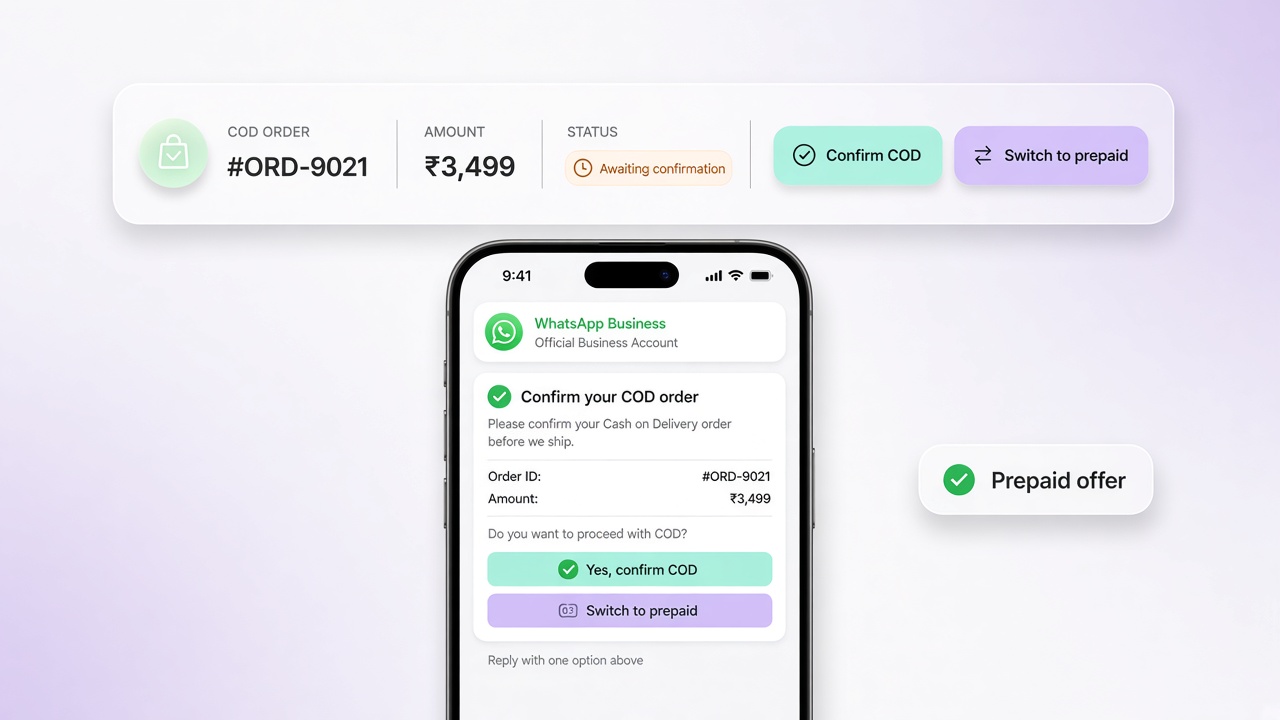
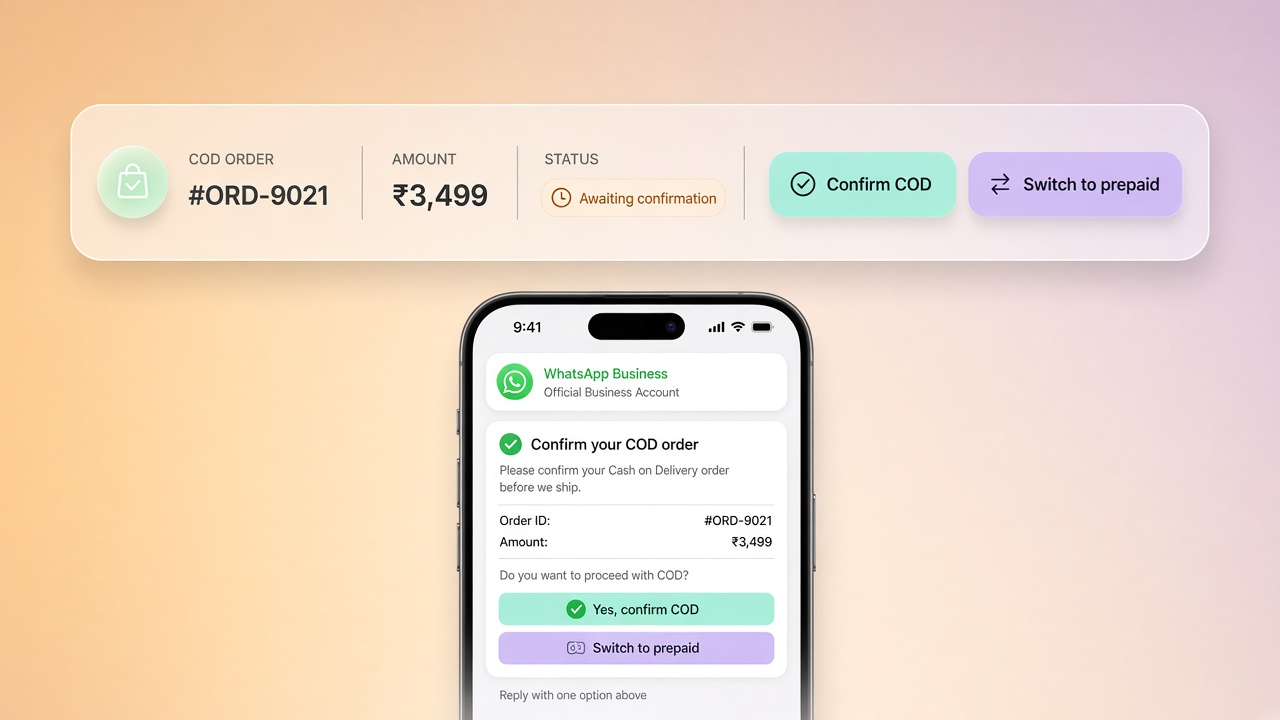
Trigger soon after order creation, while the buyer still remembers the purchase. Use clear utility copy: order number, items, and ₹ total from Shopify. Offer three honest paths: confirm, reschedule, or cancel. Silence is a signal. Run one reminder, then apply your hold/cancel policy.
- Order created with payment method = COD
- Send confirmation template (APPROVED only)
- Branch on reply → fulfill / update address-time / cancel
- No reply → reminder → hold or cancel per your SOP
What should the utility template say?
Keep copy factual: order identity, amount, delivery window, and next step. Avoid stuffing marketing offers into the same template. Track approval and quality in Meta Manager, and build the branch logic in Journeys.
Tip: Prepaid and COD must not share one recovery tone. Condition journeys on payment method so automation stays honest.
How should warehouse and CX handle replies?
| Buyer reply | Ops action | Shopify sync |
|---|---|---|
| Confirm | Release to pick/pack | Keep COD; mark ready to fulfill |
| Reschedule | Update delivery slot; do not ship until reconfirmed if RTO is high | Note new window on the order |
| Cancel | Stop fulfillment immediately | Cancel / void status |
| No reply | Hold N hours per SOP, then cancel | Apply policy consistently across shifts |
When should humans take over?
Automation should pause when an agent joins. Escalate when the buyer disputes the amount, asks for partial cancel, reports a wrong address, or sounds like a complaint. Put those threads in Live Chat with full order context. Agents should never ask for an order ID the system already knows.
Which metrics will finance trust?
Track confirmation rate, ship rate of confirmed COD, RTO %, and cost per recovered order vs. reverse logistics cost. Opens alone do not prove the program works. For a deeper RTO playbook, read how to reduce RTO with WhatsApp COD confirmation. For cart recovery timing on the same canvas, see abandoned cart recovery.
Common questions
How does COD confirmation on WhatsApp reduce RTO?
You confirm buyer intent on WhatsApp before pick/pack. Confirmed COD ships; cancel/reschedule/no-reply follow a written hold policy, so fewer phantom orders enter reverse logistics.
When should the COD confirmation message send?
Soon after order creation while the purchase is fresh, typically within minutes to a few hours, using an APPROVED utility template with order number, items, and ₹ total from Shopify.
What replies should the journey accept?
At minimum: confirm, reschedule, and cancel. Silence needs one reminder, then your hold/cancel SOP. Disputes and partial cancels should escalate to Live Chat with order context.
Which metrics prove COD confirmation works?
Confirmation rate, ship rate of confirmed COD, RTO %, and reverse-logistics cost avoided. Message opens are a leading indicator only. Finance cares about ship/RTO outcomes.
Ship this with COD confirmation journeys, keep templates clean in Meta Manager, and see how other brands operate on customers. Questions? Contact us or review pricing.
See the full 2026 India RTO benchmark data → COD & RTO in Indian D2C: the 2026 benchmark report.
Related: WhatsApp opt-in for Shopify India and fixing rejected templates.